



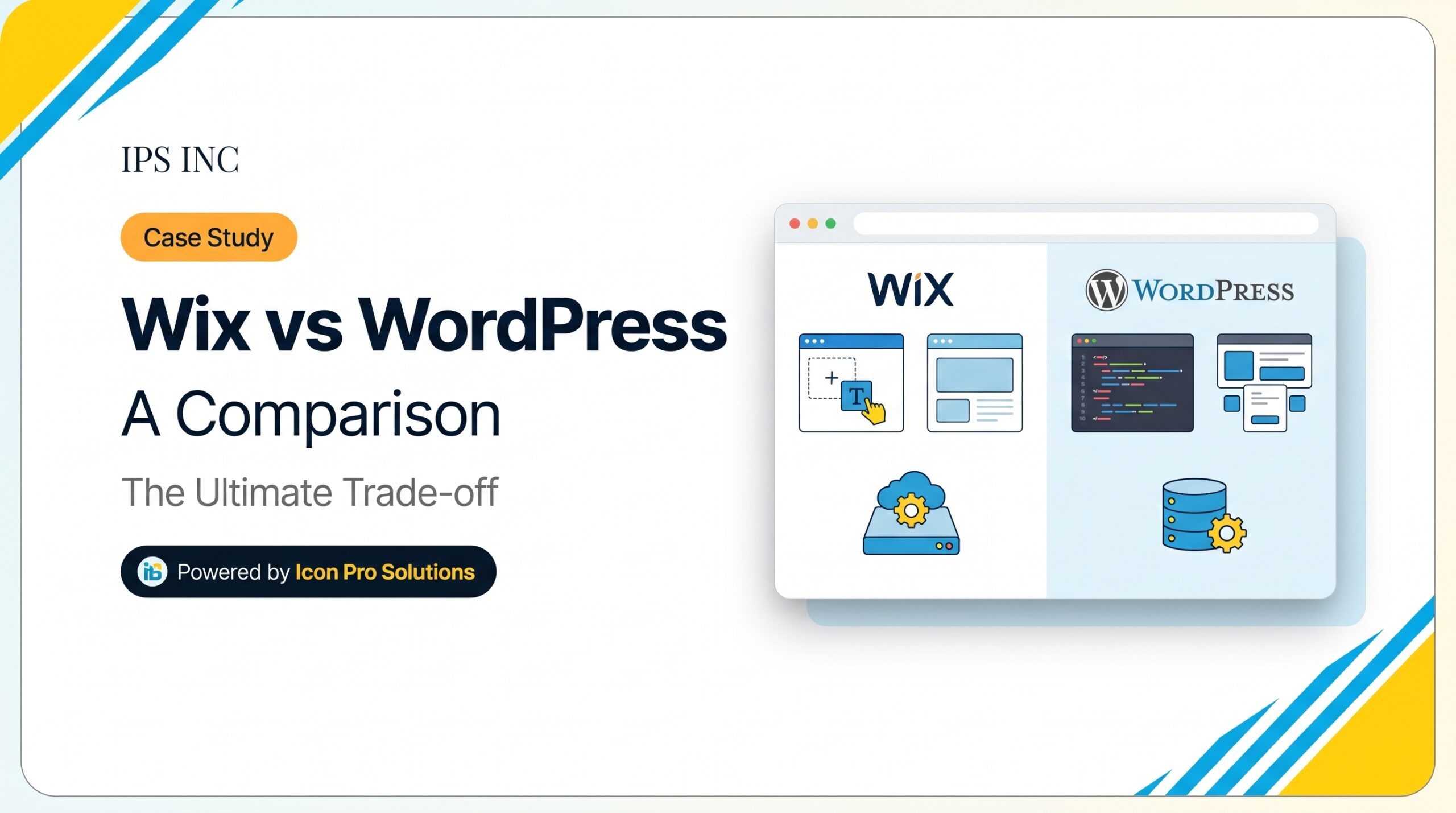
Wix vs WordPress comes down to one trade. A hosted builder like Wix bundles design tools, hosting and support in one paid service. WordPress is free, open source software that you install on hosting you choose. Wix suits a small site you want live fast. WordPress suits a site that must grow, sell, rank or connect to other tools.
We build WordPress sites, so we are not neutral. However, we say plainly below where Wix is the better choice. For a wider look at the platform, read the pros and cons of using WordPress.
Key Takeaways: Wix vs WordPress in Brief
- Wix is all-in-one and hosted. WordPress is software that you host yourself.
- Wix says a Wix site must be hosted and run on its own servers, so you cannot move it as it is.
- W3Techs found WordPress on 39.6% of all websites in October 2026, against 4.2% for Wix.
- Wix costs a plan fee per site. WordPress is free, but you pay for hosting, a domain and upkeep.
- Neither platform wins on SEO by default. Content, structure and speed decide.
- Choose Wix for a small, simple site. Choose WordPress when you need growth, content, integrations or ownership.
Wix vs WordPress: What Is the Difference?
Wix is a hosted service, while WordPress is software. That one difference explains most of the rest.
“WordPress is open source software.” It is licensed under the GPL, which gives you “the freedom to run the program for any purpose” and “the freedom to study how the program works and change it.” Because you hold the files, you can move the site to a new host.
Wix, however, works the other way. Wix says the site “needs to be hosted and operated on Wix’s servers.” It adds that the reason you cannot use another host is that “the SaaS architecture does not support external hosting.”
| Wix | WordPress | |
|---|---|---|
| What it is | A hosted website builder | Open source software |
| Hosting | Included in the plan | You choose and pay for it |
| Moving the site | Cannot be hosted elsewhere | Files and database can move to a new host |
| Editing | Built-in visual editor | Block editor, or a page builder such as Elementor |
| Add-ons | Apps from Wix | Plugins and themes from many sources |
| Cost shape | A plan fee per site | Free software plus hosting, a domain and upkeep |
| Upkeep | Wix runs the platform | You, your host or your agency handle updates and backups |
| Support | From Wix | From your host, your agency or the community |
Wix vs WordPress: Which Is Easier for a Beginner?
First, Wix is easier on day one. You sign up, pick a template and start editing. Also, hosting, security and updates sit behind the plan, so there is nothing to install.
WordPress, on the other hand, asks for more setup. You need hosting, an installation and a theme. However, a managed host and a page builder close most of that gap, and a developer can do the setup once. After that, your team edits text, images and pages much as it would in Wix.
In our view, the real question is not day one. It is year two. A site that grows beyond a handful of pages, or needs a new tool, tends to suit WordPress better.
How Much Do Wix and WordPress Cost?
Both look cheap at the start. The cost lines are different, so compare them side by side.
| Cost line | Wix | WordPress |
|---|---|---|
| Platform | A yearly plan per site | Free software |
| Hosting | Included in the plan | Paid separately |
| Domain | Free for one year on paid plans, then you renew | Paid separately |
| Design | Templates are included | Themes are free or paid, and custom design costs extra |
| Upkeep time | Low | Medium. Plan for it, or hire help |
Wix’s lists a free domain for one year on its paid plans. It also says “Displayed prices are for yearly subscriptions, paid in full at the time of purchase.” Prices and currency vary by location, so check the page for today’s figures.
With WordPress, the software costs nothing. However, your bill comes from hosting, premium themes or plugins, and the time to keep the site updated. Ask any quote to list each line.
Wix vs WordPress for SEO: Which Ranks Better?
Neither does by default. Google ranks pages on relevance and quality. For instance, its page experience documentation says Search “always seeks to show the most relevant content, even if the page experience is sub-par.” Both platforms let you write titles, headings and descriptions, so a good page can rank on either one.
The real difference is control. So the more you need custom URLs, redirects, structured data and speed tuning, the more freedom WordPress gives you. For a site with a few pages, that extra control rarely matters. For a site with a growing blog and many service pages, it matters a lot.
What Happens If You Want to Leave Wix?
Leaving Wix means rebuilding the site, because the site itself cannot move. However, Wix does allow you to connect a domain that you own elsewhere. So your address can stay the same, but the pages must be rebuilt on the new platform.
A safe move follows six steps:
- List every page address on the Wix site.
- Copy the text and download the images.
- Rebuild the pages on the new platform.
- Redirect each old address to its new one with a 301 redirect, so rankings carry over.
- Test forms, links and mobile layouts.
- Switch the domain only when everything works.
Plan this before you choose, not after, because exit cost is the hidden price of any hosted builder.
Who Should Choose Wix and WordPress?
Choose Wix if:
- Your site is small and simple.
- One person will edit it.
- You want a fast launch and one bill.
- Custom integrations are not a requirement.
- The site can stay on Wix’s servers.
Choose WordPress if:
- Articles, guides or case studies are central to your marketing.
- You need bookings, memberships, multiple languages or other integrations.
- You want to choose and change your own host.
- Several people will edit, each with different permissions.
- You expect the site to grow.
Wix is the wrong pick if you may want to move platforms easily later. WordPress is the wrong pick if nobody will keep it updated and backed up.
How Popular Are Wix and WordPress?
W3Techs tracks which platforms websites use. As of 22 October 2026, it reported WordPress on 39.6% of all websites, which is 58.3% of sites that use a known content management system. Wix was on 4.2% of all websites, or 6.2% of the known-CMS market. Shopify was on 5.3% and Squarespace on 2.4%.
Popularity does not prove a platform fits you. Still, it does mean that finding developers, plugins and help is easy on WordPress.
Want a WordPress Site Your Team Can Edit?
If WordPress fits your plan, our wordpress website design builds custom sites in Elementor, so the people who own them can edit them. Your files, content and logins stay yours. Every project starts with a written scope, so you know what is included before work begins.
Frequently Asked Questions
Can I move my Wix site to WordPress?
Yes, but you rebuild it. Wix does not let you export the finished site to another host. You copy the content, rebuild the design in WordPress and redirect the old addresses.
Is WordPress.com the same as WordPress.org?
No. WordPress.org provides the free software that you install on your own hosting. WordPress.com is a hosted service built on that software. This guide compares Wix with the self-hosted software.
Is Wix good enough for a small business?
Yes, for a simple site with a few pages. Its limits show up when you need many pages, custom tools or an easy way to change platforms.
Can WordPress be as easy to edit as Wix?
Yes, with a page builder. In a site built with Elementor, your team can change text, images and layouts without code. A developer sets it up once.
Sources
- Wix Help Center, Exporting or Embedding Your Wix Site Elsewhere.
- Wix, Plans and pricing.
- WordPress.org, About WordPress.
- W3Techs, Usage statistics of content management systems, data as of 22 October 2026.
- Google Search Central, Understanding page experience in Google Search results, last updated September 2026.