


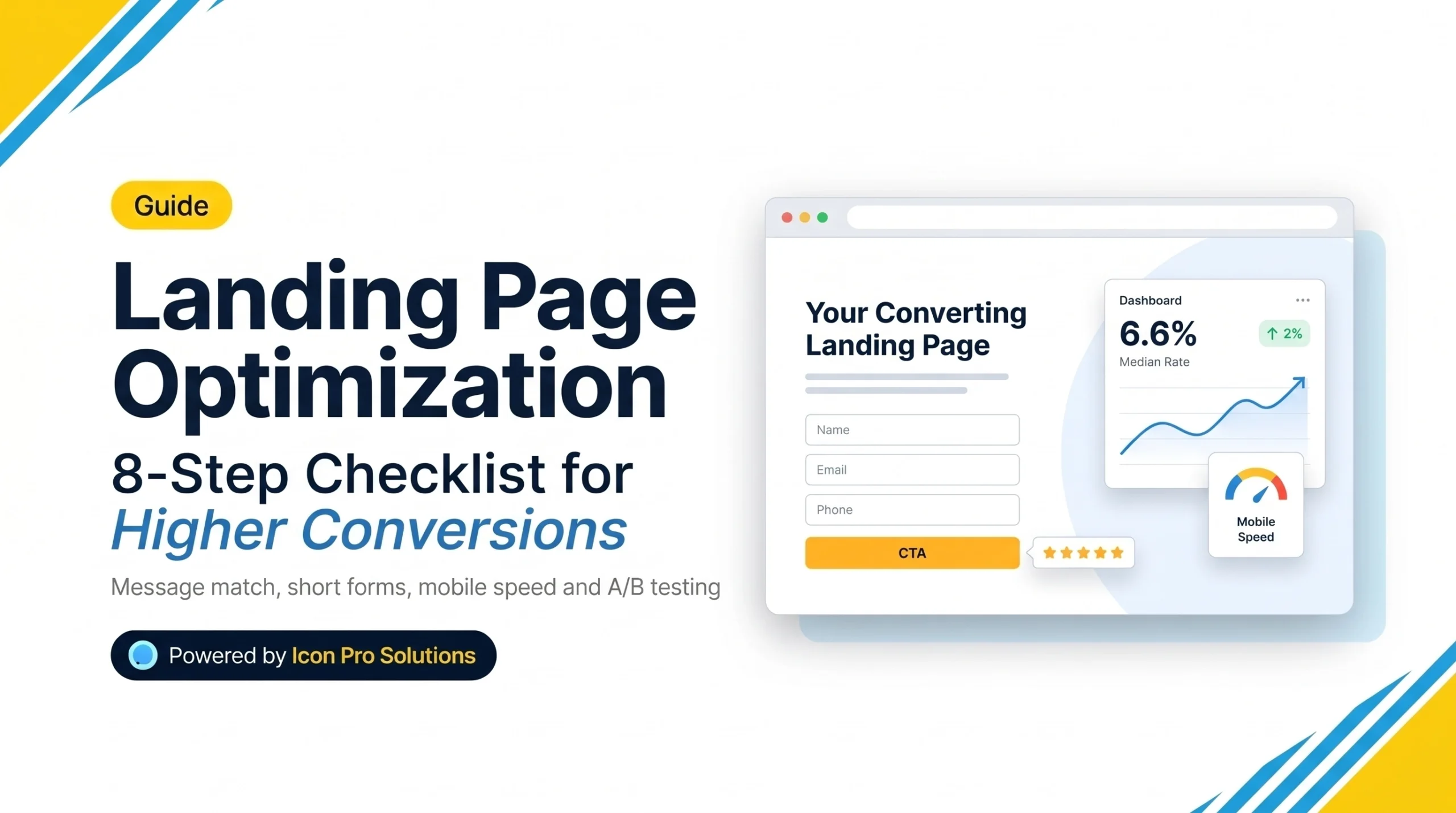
Landing page optimization is the work of improving one page so more visitors take its single intended action, such as booking a call, sending a form or buying. Start with the message, the call to action and the form. Then speed up the page on mobile. Finally, test one change at a time.
Google Ads Help describes a landing page as “The webpage where people end up after they click your ad.” The same rules hold for pages that visitors reach from search, email or social posts. This checklist runs in the order that usually pays off. For checks before any page goes live, see our website launch checklist.
Key Takeaways: Landing Page Optimization in Brief
- Unbounce’s 2024 report put the median landing page conversion rate at 6.6%. Compare yourself with your own baseline first.
- Match the page message to the click that brought the visitor.
- Give the page one goal, one call to action, few links and a short single-column form.
- Make the page fast on mobile, because Google uses the mobile version for ranking.
- Test one change at a time, and only when you have enough traffic to see a difference.
- Do not clone near-identical pages for search. Google calls that doorway abuse.
What Is Landing Page Optimization, and What Is a Good Conversion Rate?
Landing page optimization improves a page’s conversion rate. The conversion rate is the number of visitors who act, divided by all visitors, times 100. If 400 people visit and 20 send the form, the rate is 5%.
Benchmarks help you judge whether a rate is normal. Unbounce’s guide to conversion rates draws on its 2024 Conversion Benchmark Report, which covers 41,000 landing pages. It says “the median conversion rate for landing pages is 6.6%.” It also says a good rate “starts around 11.4%.”
| Industry | Median conversion rate |
|---|---|
| All industries | 6.6% |
| Professional services | 6.1% |
| Legal | 6.3% |
| E-commerce | 4.2% |
| SaaS | 3.8% |
Treat these as a guide, not a target. Your traffic source, offer and price change the result a great deal. The most useful comparison is your own page before and after each change.
How Do You Do Landing Page Optimization Step by Step?
Work through these eight steps in order.
Step 1: Match the message to the click
A visitor arrives with an expectation. Google Ads Help lists “the expectations users have based on the ad they clicked” as one factor. So repeat the promise of the ad, email or search result in your headline, using the same words.
Step 2: Give the page one job
Decide on one goal, such as a booked call. Then remove anything that competes with it. Google also lists “the number of links on the page” as a factor in landing page experience. Fewer links mean fewer exits. For paid traffic, teams often drop the main menu and keep only a logo and a phone number.
Step 3: Write the first screen for a stranger
The first screen must answer three questions: what is this, who is it for and what happens next. Compare these two headlines. They are illustrations, not real client copy.
- Weak: “Welcome to our plumbing services”
- Stronger: “Water heater repair in Tulsa, booked online today”
Then add one short supporting line and one button. Use a verb on the button, such as “Book a repair.”
Step 4: Shorten the form
Every extra field costs you some visitors. The Nielsen Norman Group advises you to “remove fields which collect information that can be” found elsewhere or collected later. Its form usability recommendations also say to use a single column, because “multiple columns interrupt the vertical momentum of moving down the form.” On mobile and short forms, put labels directly above the field.
A good starting form asks for a name, an email or phone number and one question.
Step 5: Put proof next to the button
Visitors look for a reason to trust you at the moment of the ask. Place real proof beside the button: a customer review, a client name used with permission, a certification or a clear guarantee. Use only proof you can show. Never invent a review or a number.
Step 6: Make the page fast on mobile
Google says it “uses the mobile version of a site’s content, crawled with the smartphone agent, for indexing and ranking.” So the phone version is the one that counts. Its mobile-first indexing guide also advises that your mobile site contain the same content as your desktop site.
Speed pays off in sales, too. In a 2022 case study on web.dev, the retailer Rakuten 24 optimized one landing page for Core Web Vitals and ran an A/B test for a month. The faster page showed a 33.13% higher conversion rate and a 53.37% higher revenue per visitor. This is one retailer’s result, not a promise for your page.
Step 7: Keep it readable and accessible
Label every form field. Use strong contrast between text and background. Make buttons large enough to tap with a thumb. These changes help all visitors, and they follow the principles of the WCAG accessibility guidelines.
Step 8: Track the right event
Count the action, not the visit. Track the form submission, the call click or the purchase, ideally on a thank-you page. Record two to four weeks of data before you change anything. That record is your baseline.
How Do You Test Landing Page Changes?
Test one change at a time, and decide the success metric before you start. Run each test for full weeks, so weekday and weekend behavior both count.
Traffic is the usual limit. Suppose a page gets 200 visitors a month at the 6.6% median rate. That is about 13 conversions. A 10% improvement would add only one or two more. That difference is too small to tell from chance. With low traffic, make the clear fixes from the steps above and compare before and after. Save formal tests for pages with more visitors.
Here are five first tests, in a sensible order:
| Test | Change | Metric |
|---|---|---|
| Headline | Match the ad wording exactly | Conversion rate |
| Button | Change a vague label to a specific verb | Clicks on the button |
| Form | Remove one optional field | Form submissions |
| Proof | Move a review beside the button | Conversion rate |
| Page weight | Compress the hero image | Mobile load time |
Five mistakes cause most of the waste:
- Sending campaign traffic to the homepage. The visitor must hunt for the offer.
- Offering five different calls to action. Visitors pick none.
- Asking for too much too soon. A long form for a small offer drives people away.
- Testing three changes at once. You cannot tell which one worked.
- Copying a competitor’s page. Their traffic, offer and audience are not yours.
Can Landing Pages Hurt Your SEO?
They can, if you build them in bulk. Google’s spam policies say “doorway abuse is when sites or pages are created to rank for specific, similar search queries.” Such pages “lead users to intermediate pages that aren’t as useful as the final destination.” The example it gives includes “multiple websites with slight variations to the URL and home page to maximize their reach for any specific query.”
So build one useful page for each distinct offer and audience, not one per keyword variation. If a campaign page repeats an existing page, ask your developer whether it should be set to noindex, so search engines skip it. Read the full spam policy before you build many similar pages.
Need a Landing Page Built Around One Clear Next Step?
Our web design service includes landing page design: one page, one audience, one next step. The pages are designed for desktop, tablet and mobile, with build-ready files that we or your developer can use.
Frequently Asked Questions
How long should a landing page be?
Long enough to answer the visitor’s questions before you ask for action. A simple, low-cost offer can work on a short page. A costly or risky decision needs more detail and more proof.
Should a landing page have a navigation menu?
Fewer links mean fewer ways to leave. For paid traffic, a minimal header with a logo and contact details is common. Keep a fuller menu only when visitors need to explore before they decide.
How many landing pages do I need?
You need one for each offer and audience. Do not create one for every keyword variation, because that approaches doorway abuse. Start with your top offer and add pages as you have a distinct audience for each.
Do I need a special landing page tool?
Not necessarily. A WordPress site with a page builder can host a good landing page. What matters is the message, the form, the speed and the tracking, not the tool.
Sources
- Google Ads Help, Landing page.
- Unbounce, What’s a good conversion rate?, based on the 2024 Conversion Benchmark Report, updated July 2025.
- Nielsen Norman Group, Website Forms Usability: Top 10 Recommendations.
- Google Search Central, Mobile-first indexing best practices, last updated December 2025.
- Google web.dev, How Rakuten 24’s investment in Core Web Vitals increased revenue per visitor by 53.37% and conversion rate by 33.13%, last updated August 2022.
- Google Search Central, Spam policies for Google web search.