



How to Use CSS clamp() for Fluid Typography
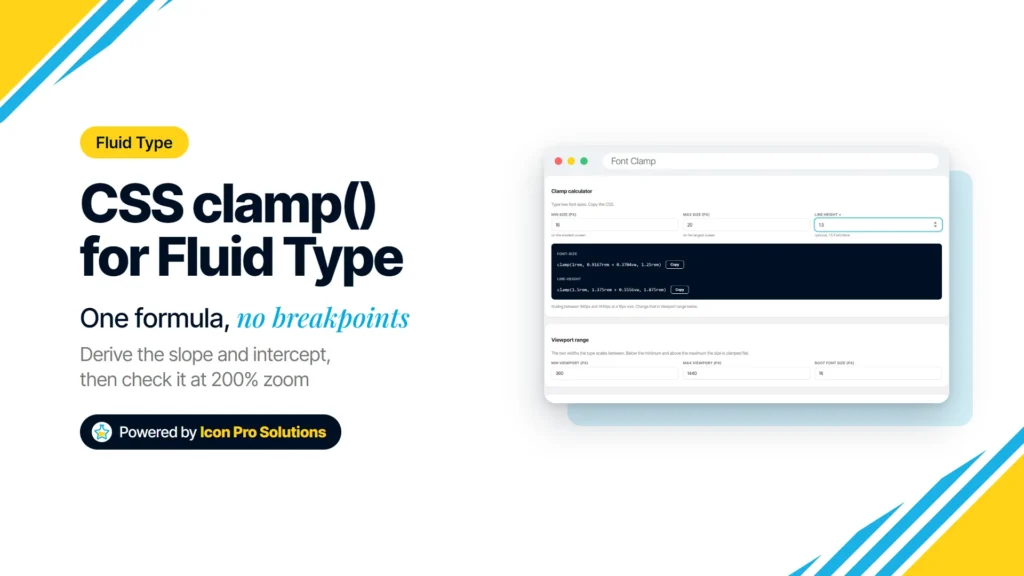
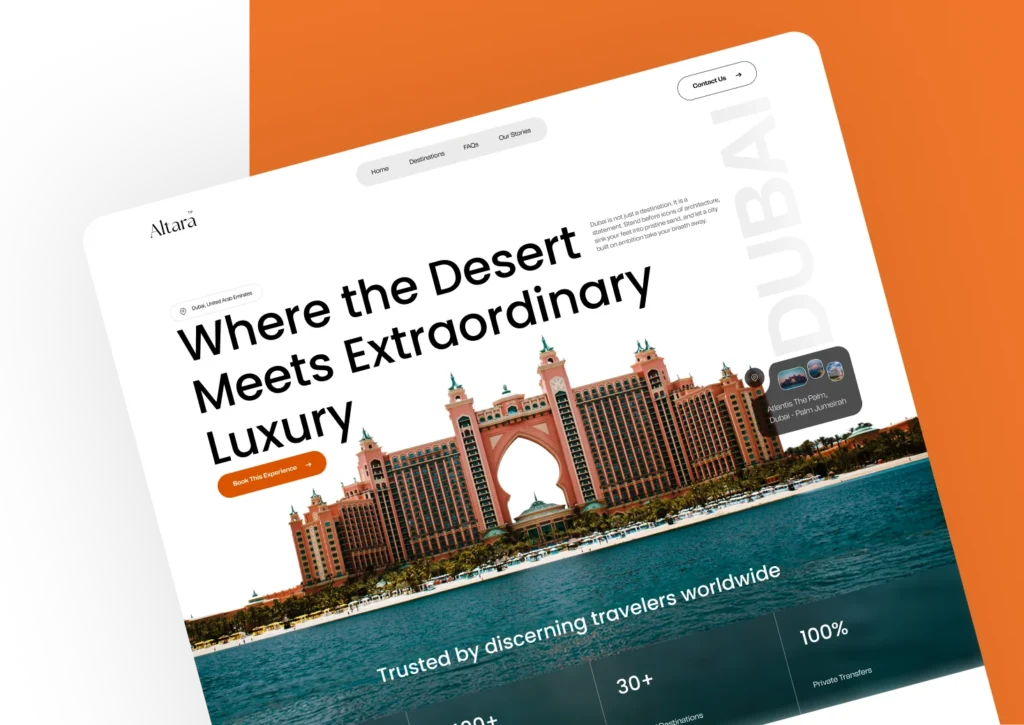
The Font Clamp calculator: 16px at 360px to 20px at 1440px. Fluid typography means text that grows smoothly with the screen instead of jumping at breakpoints. In CSS, one clamp() declaration can do it: a smallest size, a size that tracks the viewport width, and a largest size. This guide covers what clamp() does, how to work […]
How to Make a WordPress Site Accessible: A Practical Checklist
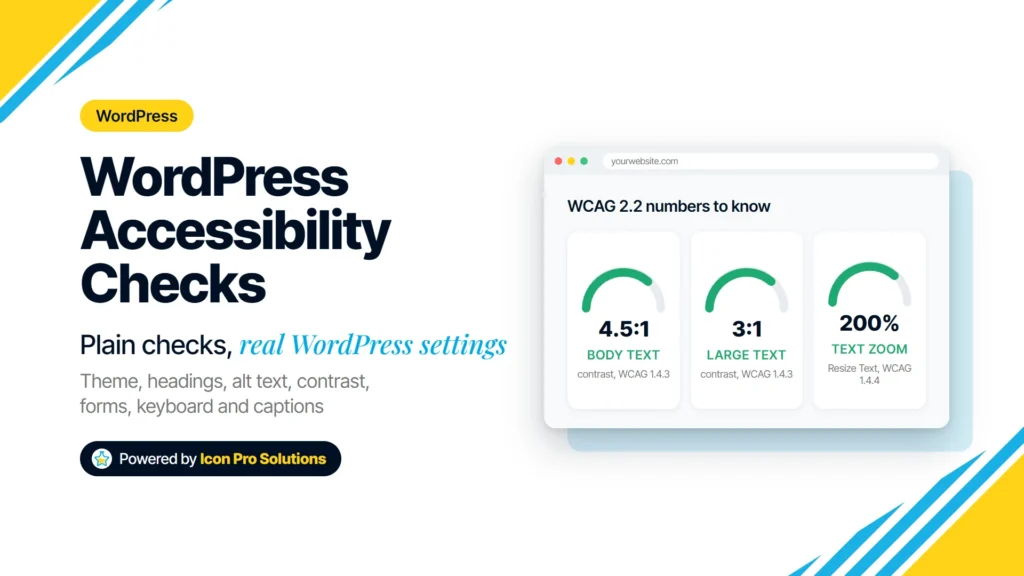
Theme, headings, alt text, contrast, links, forms, keyboard and captions, each checked against a WCAG 2.2 success criterion. To make a WordPress site accessible, check the parts that most often stop people from using it: the theme, headings, alt text, color contrast, link text, forms, keyboard access and video captions. Each check below names the WordPress […]
Title Case Rules: Which Words to Capitalize in a Title
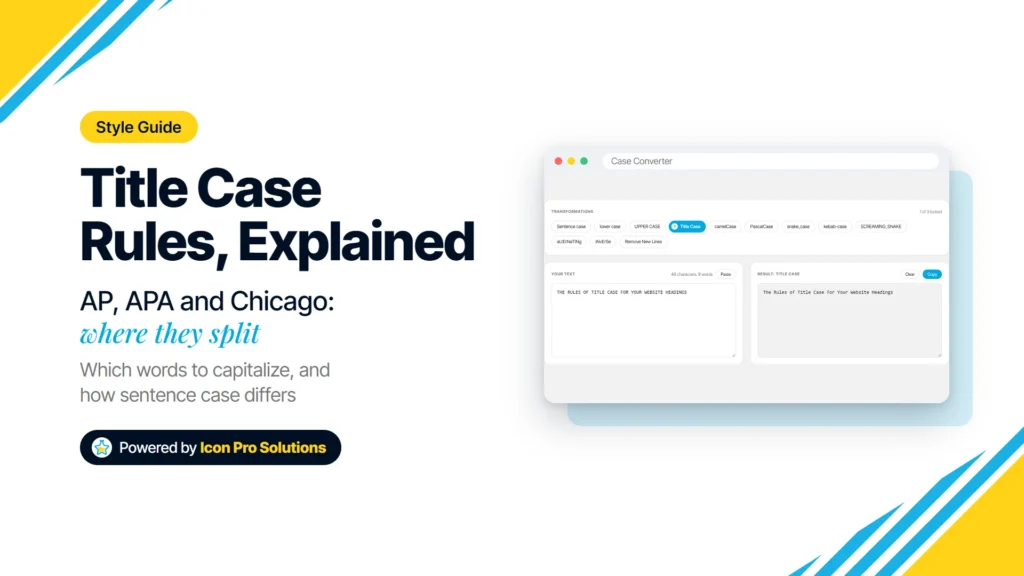
The Case Converter’s Title Case on a sample heading. Title case capitalizes the important words in a title and leaves a short list of small words lowercase. The trouble is that AP, APA and Chicago do not agree on exactly which small words belong on that list. This guide covers where the styles agree, where they split, […]
Consistent Website Design in WordPress: Set It Once, Keep It
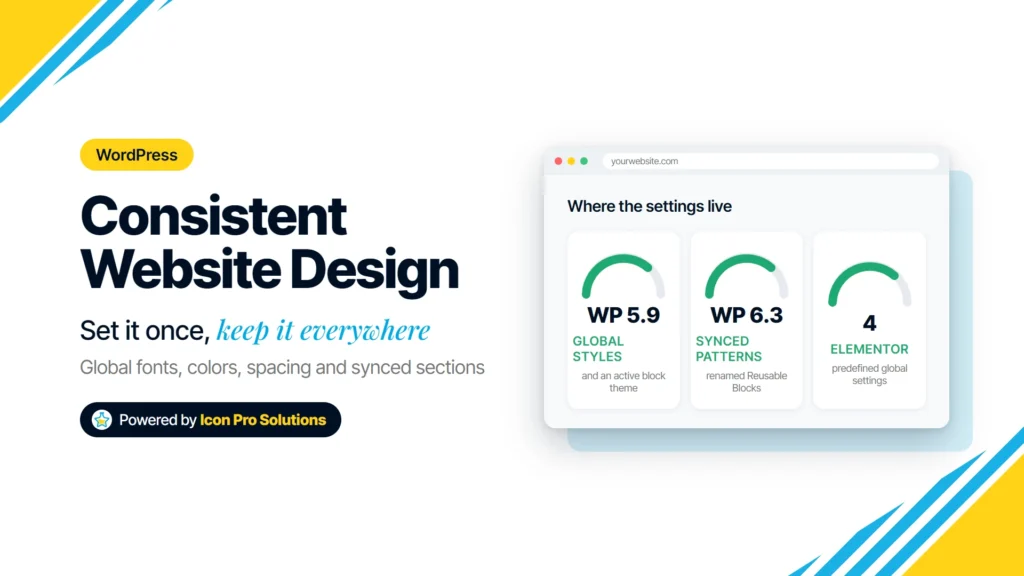
Set fonts, colors, spacing and repeated sections once, then build every page from them. Consistent website design in WordPress comes from deciding fonts, colors, spacing and repeated sections once, in the site’s global settings, and building every page from them. Styling each page by hand looks fine on launch day and drifts a little with every […]
Best Image Size for a Website: A Practical Guide by Placement
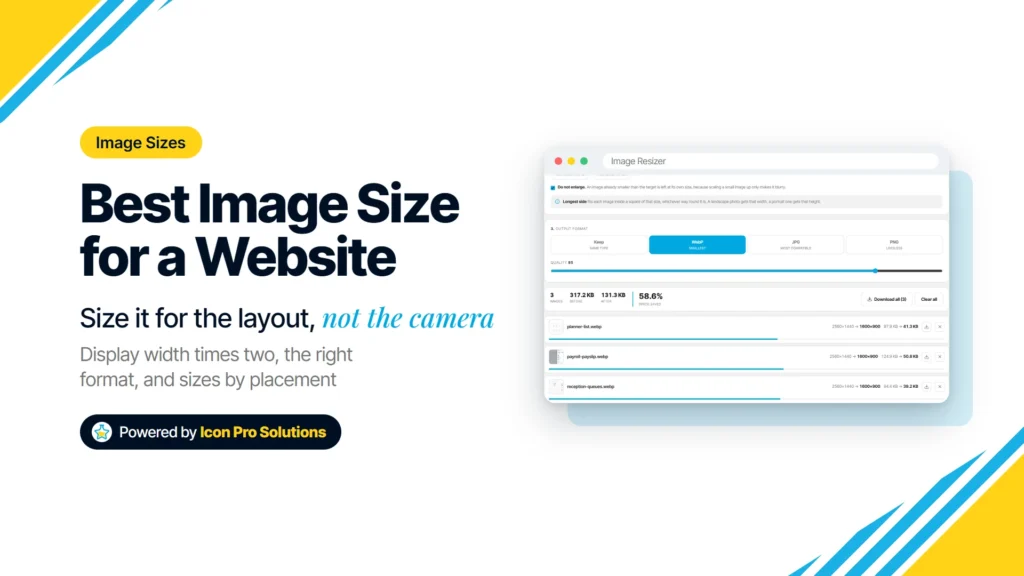
The Image Resizer: three 2560px images resized to a 1600px longest side as WebP, with before and after sizes. There is no single best image size for a website. The right size for any image is the largest width your layout actually shows it at, roughly doubled so it stays sharp on high‑density screens. This guide is […]
How to Build a Real Estate Website: Features, IDX and Build Options
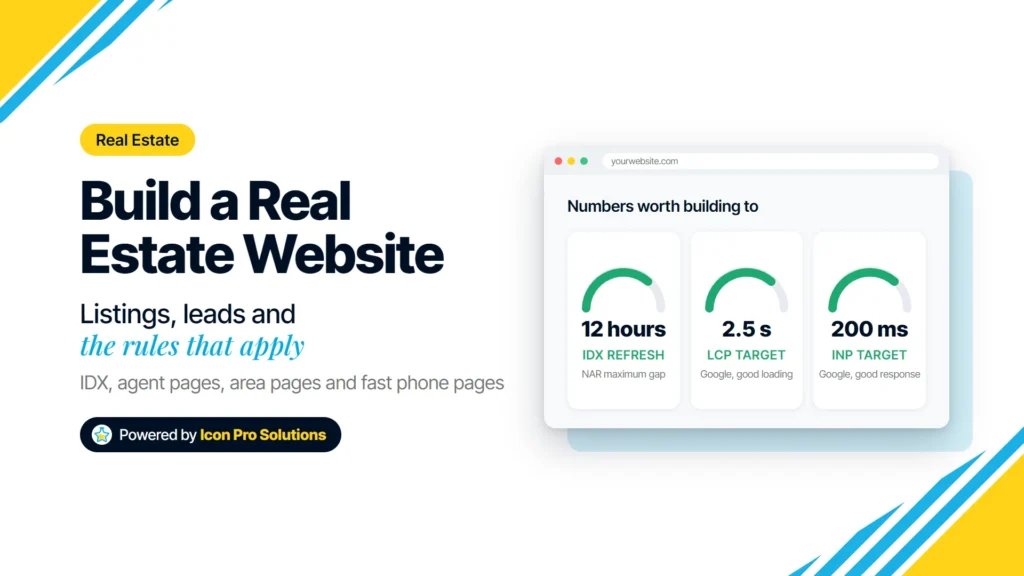
Listings, lead capture and the fair housing and IDX rules decide more than the theme does. How to build a real estate website comes down to three decisions: how listings reach the site, how a visitor becomes a lead, and who builds and owns it. The domain, hosting and theme are the easy part. The hard […]
Why Is My Link Preview Not Showing? Causes and Fixes
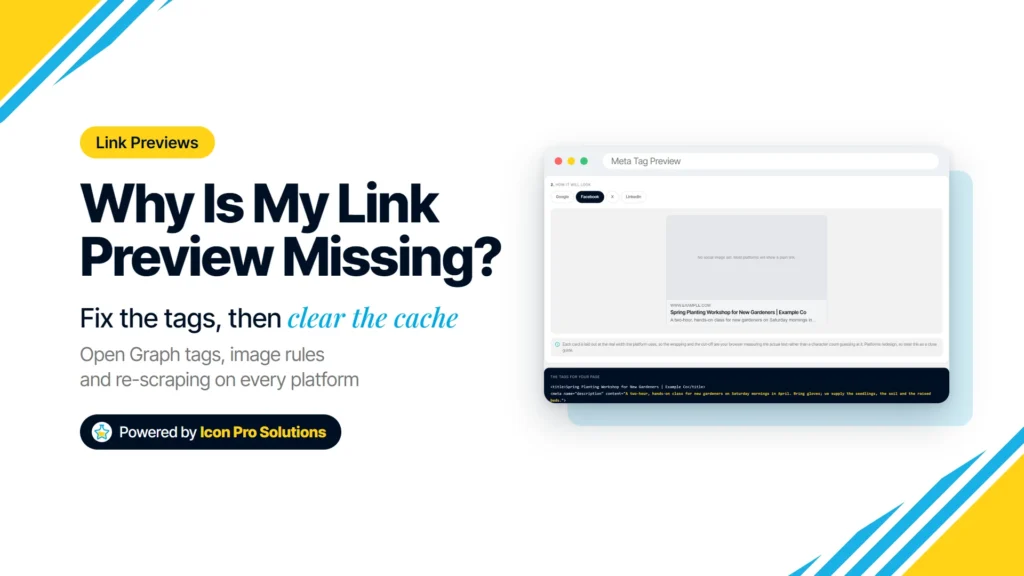
The Meta Tag Preview’s Facebook card with no social image: the platform shows a plain link. You paste a link into a post or a chat and get a bare URL, the wrong photo or last month’s headline. The page itself is usually fine: what is broken is a few tags that tell each platform what […]
WordPress vs Coding: Which Should a Beginner Learn First?
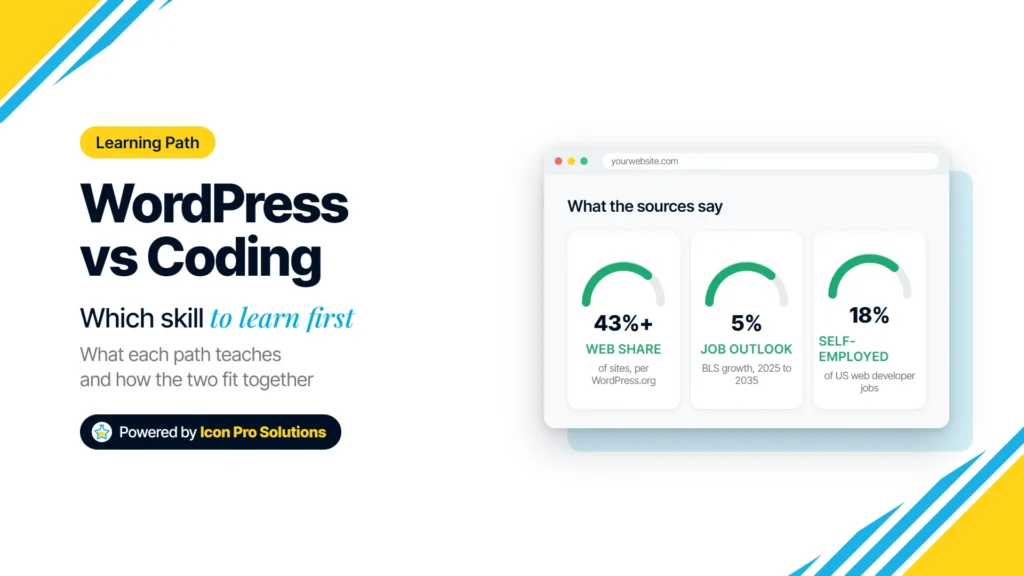
WordPress vs coding for beginners: what each path teaches, the work each leads to, why WordPress still needs HTML and CSS, and a simple learning order.
How to Track QR Code Scans for Free
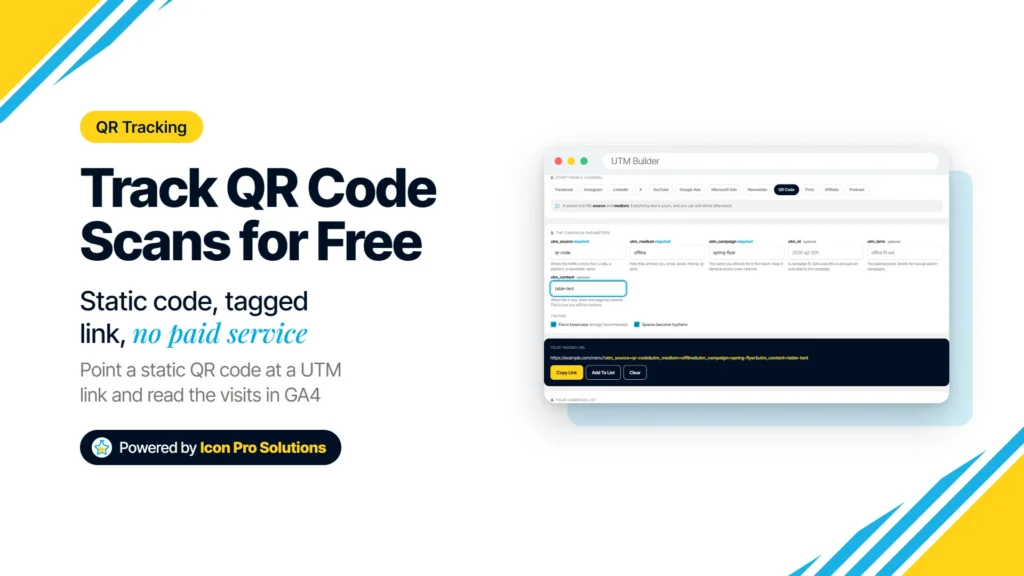
The UTM Builder: the QR Code preset fills source and medium, you add the campaign. A QR code on a flyer, a box or a window sign is easy to print and hard to measure. Without tracking, every visit it brings in looks like someone typed your address by hand, so you cannot tell whether the […]
Website Development Near Me: What Google Thinks You Meant
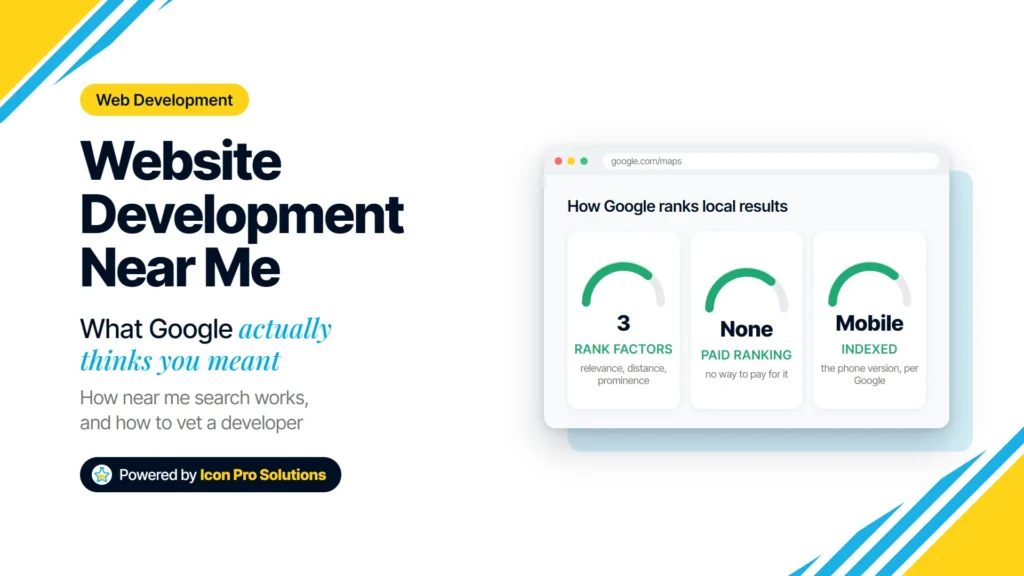
What Google does with a near me search, why the results look odd, and the ten-minute checks to run before you hire any website developer.