



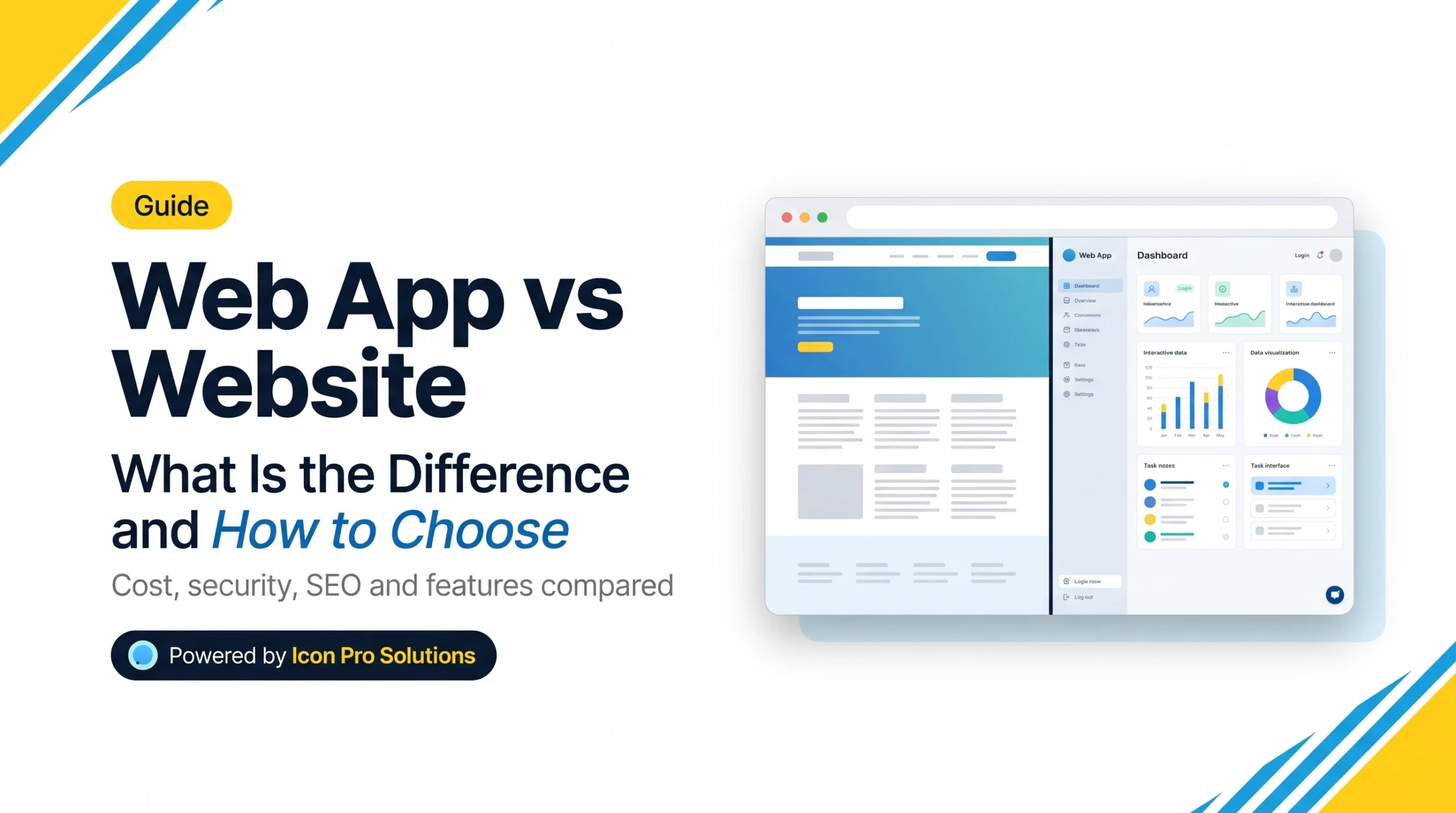
In the web app vs website question, the answer comes down to what visitors do. A website mainly shows information, so visitors read and click. A web app lets users log in, enter data and finish tasks. If people only read your pages, you need a website. If they create or change something there, you need a web app.
Many projects need both. This guide explains the difference in plain words. It also covers cost, security and search visibility, and how to choose without overbuilding. For the wider map of project types, see our guide to which kind of web development build your project needs.
Key Takeaways: Web App vs Website at a Glance
- A website delivers information, while a web app delivers a task.
- Amazon Web Services defines a web application as software that runs in a browser, with a backend on a web server.
- Web apps usually need logins, a database and more testing, so they cost more to build and to protect.
- Google can index JavaScript web apps, but server-side rendering is still a good idea.
- Many businesses are well served by a public website with an app behind a login.
- A progressive web app is still a website at its core, with extras such as offline use.
Web App vs Website: What Is the Difference?
A website is a set of connected pages. A web app is software that runs in the browser. Amazon Web Services puts it this way: “A web application is software that runs in a web browser, with a backend running on a web server.” It adds that static websites “are only capable of delivering information to users through static content.”
The gap shows up in what each one does:
| Website | Web app | |
|---|---|---|
| Main job | Inform and persuade | Let users complete tasks |
| What users do | Read, click, send a contact form | Log in, create, edit, calculate, pay |
| Data | Mostly fixed content that editors update | Data that users create and change |
| Accounts | Usually none | Usually required |
| Backend | Light, or a content management system | Custom logic and a database |
| Build effort | Lower | Higher |
| Security exposure | Lower | Higher, because of accounts and stored data |
| Examples | Company site, blog, portfolio | Booking system, customer portal, quoting tool |
The line is not sharp. An online store is a website with web app features. AWS lists “shopping carts, product search and filtering” among common web application components. So many sites sit somewhere in the middle.
Even a small tool counts. The PDF compressor in our free tools runs in the browser. It is a small web app inside a normal website.
How Do You Decide Between a Web App and a Website?
Ask four questions about what your visitors will do:
- Do users need an account?
- Do users create, edit or store data?
- Does the page calculate, process or automate something?
- Does it connect to other systems, such as payments or inventory?
Use this as a rule of thumb. If you answer no to all four, you need a website. One or two yes answers point to a website with app features, such as a store or a booking form. Three or four yes answers point to a web app.
The test also protects your budget. Many teams ask for an app when a website with one good form would do the job.
Is a Progressive Web App a Web App or a Website?
A progressive web app, or PWA, is a website with extra abilities. Google’s web.dev says it plainly: “A Progressive Web App is a website; all its assets are the same as on the web, but with new tools to make those assets load fast when online and available when offline.”
Installation is the visible difference. web.dev calls installability “one of the key differences between Progressive Web Apps and classic websites and web apps.” A PWA can sit on a phone’s home screen and can send push notifications. It still runs in the browser, so it needs no app store.
How Do Cost, Security and Maintenance Differ?
Web apps cost more for three reasons. They need accounts, a database and business rules. They need more testing, because users can do more things. And they change more often after launch.
Security is the clearest difference. The OWASP Top 10 is “a standard awareness document for developers and web application security.” In the 2025 list, the first risk is Broken Access Control. Access control decides who can see or change what. When it fails, one user can reach another user’s data. A brochure website has few such rules. A web app has many.
Maintenance follows the same pattern:
- Website: content updates, software updates, backups and a yearly review.
- Web app: all of that, plus bug fixes, user support, monitoring and new features.
For either one, ask for a written scope before you accept a price. A number produced before anyone understands the problem is a guess.
Can a Web App Rank on Google?
Yes, but it takes care. Google explains that it “processes JavaScript web apps in three main phases”: crawling, rendering and indexing. Its documentation also says that “server-side or pre-rendering is still a great idea,” because not all bots can run JavaScript.
Two more points from Google’s JavaScript SEO basics matter for apps. Each page needs its own unique, descriptive title and meta description. And single-page apps must avoid soft 404 errors, where a missing page still looks fine to a crawler.
The simplest fix is to split the project. Put your public pages on a normal website. Put the app behind a login, on its own address if you like. Google cannot sign in, so private screens do not need to rank. Your marketing pages then stay fast and easy to index.
Which Should You Build First?
Start with the smallest version that tests your idea. A common path has three stages:
- Website first. Explain what you offer and collect enquiries.
- App features next. Add a calculator, a booking form or a customer area once people ask for it.
- Full web app last. Build it when the workflow itself is the product.
Before you brief a developer for an app, prepare five things:
- Your types of users and what each may do.
- Three to five main tasks, written as steps.
- The data you need to store.
- Any systems it must connect to.
- Security rules, using the OWASP list as a starting point.
With these in hand, a written scope takes days, not weeks.
Need a Web App or a Website Built Properly?
If your project sits on the app side of the test, our team can scope it with you. We are a founder-led software house that builds websites, online stores and custom platforms. We scope the build in writing first, and the price comes from that scope.
Frequently Asked Questions
Can a website become a web app later?
Yes, if you plan for it. Choose a platform that allows custom code and connections to other systems. Then you can add accounts and tools step by step instead of rebuilding.
Is WordPress a website or a web app?
WordPress is software that runs on a server and powers websites. With plugins it can handle app-like jobs, such as memberships or bookings. For complex logic, custom code is usually safer than stacking plugins.
Do web apps need an app store?
No. A web app runs in a browser, so people open it through a link. A native app is different. People install it from an app store.
Which is more secure, a web app or a website?
Neither label decides it. Risk follows features. Accounts and stored data raise the risk, so a web app needs more security work. Developers often use the OWASP Top 10 as their checklist.
Sources
- Amazon Web Services, What is a Web Application?
- Google web.dev, Welcome to Learn Progressive Web Apps, last updated November 2021.
- Google Search Central, JavaScript SEO basics, last updated March 2026.
- OWASP, OWASP Top 10:2025.