



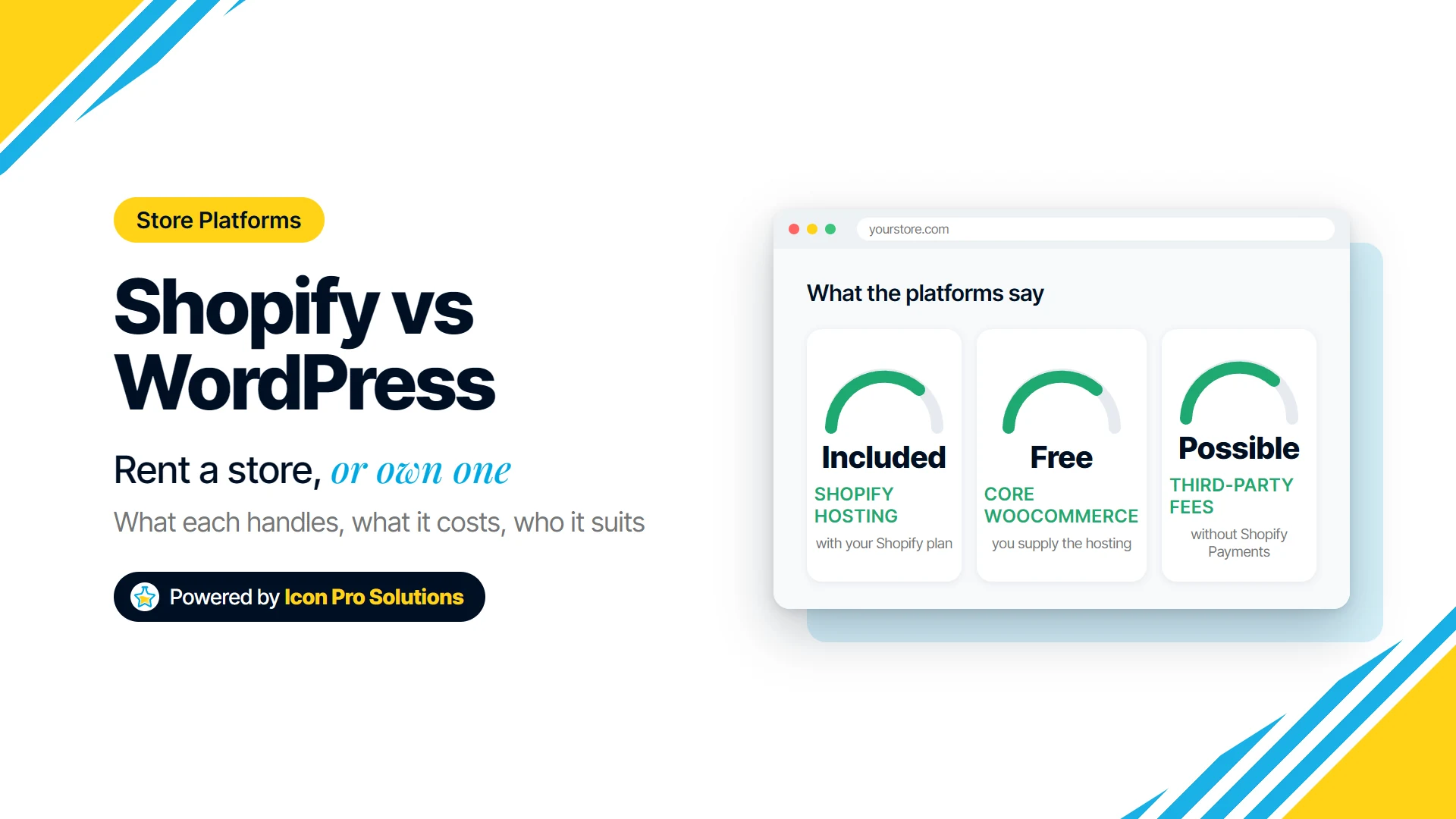
If you are comparing Shopify vs WordPress for an online store, you are really choosing between two ways of having a shop. Shopify is a complete store you rent by the month, with hosting and checkout handled for you. WordPress with the WooCommerce plugin is a store you assemble and own, on hosting you choose and look after.
We build on both Shopify and WordPress, so this is not a pitch for one of them. The right answer depends less on feature lists than on who will run the store day to day, how unusual your products or content are, and how much upkeep you want to own.
Key Takeaways
- Shopify is the shorter path to a working store: hosting, security certificates and checkout come with the plan.
- WordPress with WooCommerce gives you more control over design, content and data, but you supply the hosting and keep the site updated.
- On Shopify you mostly pay for the subscription, apps and any payment fees; on WooCommerce you mostly pay for hosting, extensions and maintenance time.
- In our experience, neither platform wins on SEO by itself: product content, site structure and speed decide far more than the logo on the admin screen.
- Choose on who will run the store and what it must do in two years, not on which theme looks best today.
What is the real difference? Renting a store versus owning one
Shopify is a hosted commerce platform. Its plans and pricing page answers the hosting question directly: “Shopify includes secure commerce hosting with your Shopify plan, so you don’t need to buy separate hosting.” You sign up, pick a plan and build the store inside Shopify’s system, and the same page states “There are no setup fees on any of our plans.”
WordPress is a different kind of thing, and the About page on WordPress.org says “WordPress is open source software.” You install it on a web host and add a store to it with WooCommerce, a plugin that runs inside WordPress.
One distinction trips people up. In this comparison, WordPress means the self-hosted software you install on hosting you choose, not a hosted WordPress plan from another company.
What does Shopify handle for you? Hosting, security and the platform
The main thing Shopify takes off your plate is the infrastructure. There is no server to rent, size or patch, because the hosting is part of the plan.
Security certificates are part of the package too. The Shopify Help Center page on enabling secure connections says “TLS certificates are provided for free for all domains that are added to Shopify.” That certificate is what puts the padlock and HTTPS on your store address.
What Shopify does not do is decide how your store works. You still choose the theme, set up shipping and tax, write the product content and pick the apps. A common pattern we see is a Shopify store that runs slowly and costs more each month because apps were added for every small need and never removed.
What do you handle yourself with WooCommerce? Hosting, updates and backups
With WooCommerce, the hosting is yours to choose and yours to get right. The WooCommerce Server Recommendations page puts it plainly: “Before you install WordPress and WooCommerce, verify that your hosting environment meets the following requirements.” The same page describes its subject as “the free, core WooCommerce plugin” for WordPress.
That page lists minimum server software versions and a memory limit, so cheap or outdated hosting can fall short. If you are unsure what kind of hosting a store needs, our guide to the types of web hosting explains the options.
After launch, someone has to keep WordPress, the theme, WooCommerce and every plugin updated, and keep backups that actually restore. A common problem we fix is a store that worked well at launch and then went a year without updates, until one update broke checkout. None of this is hard for a team that plans for it, but it is real work that Shopify mostly absorbs.
Shopify vs WordPress cost: subscription and apps, or hosting and upkeep?
The two platforms spread their costs differently. Shopify bundles most of the running costs into a subscription, while WordPress and core WooCommerce cost nothing to download, and you then pay for everything around them.
| Cost line | Shopify | WordPress with WooCommerce |
|---|---|---|
| Platform software | Monthly or yearly plan | WordPress and core WooCommerce are free to use |
| Hosting | Included in the plan | Paid to the host you choose |
| Security certificate | Included for domains added to Shopify | Arranged through your host |
| Extra features | Apps, some free and some paid | Extensions and plugins, some free and some paid |
| Payment processing | Shopify Payments, or a third-party provider with possible extra transaction fees | Fees set by the payment provider you connect |
| Ongoing upkeep | Mostly managing apps and content | Updates, backups, security and hosting checks |
| Design and setup | Theme and store setup, by you or a builder | Theme, plugins and store setup, by you or a builder |
Plan prices change and differ by country, so read them on Shopify’s pricing page before you budget. On payments, which are often the bigger variable, the same page says “Third-party transaction fees may apply when you use a third-party payment provider (instead of Shopify Payments). The rate depends on your plan.”
Shopify’s help page on third-party payment providers adds an important detail: “Third-party transaction fees apply on all third-party and alternate payment gateways even when Shopify Payments is activated.” The same note says PayPal and manual payments are excluded when Shopify Payments is on. If you already have a payment processor you must keep, price that fee in before you choose.
On WooCommerce, the free download is not the same as a free store. Hosting that meets the requirements, the paid extensions you need, and the hours spent on updates are the real running costs, and they vary widely by store.
Shopify vs WordPress for SEO: which ranks better? Neither, by default
Neither one ranks a store on its own. Both let you write page titles, meta descriptions and product descriptions, and both can produce fast, well-structured pages or slow, cluttered ones.
What we see decide results is the work, not the platform. That means unique product descriptions instead of copied manufacturer text, clean category structure, fast pages on phones, and redirects in place whenever URLs change.
There is one real difference. WordPress started as publishing software, so if your plan depends on a lot of articles, guides or other content alongside the store, it gives you more room to shape that content. If your content is mostly products, Shopify’s built-in tools are usually enough.
Who should choose Shopify, and who should not?
Shopify suits you if:
- You want to start selling soon, with as little technical upkeep as possible.
- A small team, without a developer on call, will run the store day to day.
- Your products, shipping and checkout follow common patterns.
- You would rather pay a predictable monthly fee than manage hosting.
Shopify is the wrong pick if your store depends on unusual product logic that no app covers well, if you need full control over the server and data, or if a large content site matters as much as the shop. It can also become expensive when a store needs many paid apps to do what it needs.
Who should choose WordPress with WooCommerce, and who should not?
WordPress with WooCommerce suits you if:
- Content, such as articles, guides, recipes or courses, is as important as the products.
- You need custom features or integrations and have a developer to build and maintain them.
- You want to choose your own host and keep full control over the site and its data.
- You already run a WordPress site and want to add a store to it.
WooCommerce is the wrong pick if nobody will own updates, backups and security after launch, because a neglected store is a risk to your orders and your customers. It is also a poor fit if you want the simplest possible setup for a small catalog. For a wider look at the platform, see the pros and cons of using WordPress.
A quick checklist before you decide
- Who will add products, run sales and fix problems after launch, and how technical are they?
- Which payment provider do you need, and does it add fees on either platform?
- How much content, beyond product pages, do you plan to publish?
- Which features do you need that are not built in, and what does each app or extension cost per year?
- Who will host, update and back up the store if you pick WooCommerce?
- If you are moving an existing store, which URLs must redirect so search traffic is not lost?
Frequently Asked Questions
Is WooCommerce really free?
The core WooCommerce plugin is free, and so is WordPress. You still pay for hosting that meets the requirements, for any paid extensions, and for the time or help needed to keep it all updated.
Can I switch from Shopify to WooCommerce later, or the other way?
Yes, stores move between them, but it is a rebuild rather than a switch. Products and customer data usually move more easily than the design, the apps and the URL structure, which needs redirects to protect search traffic.
Which is easier for a small team to run?
For most small teams, Shopify is easier, because hosting and the platform itself are looked after for them. WooCommerce can be just as easy to use day to day, but only if someone owns the upkeep behind it.
Want help choosing or building your store?
If you would rather have the store set up for you, our Shopify and e-commerce service covers store design, shipping and tax settings, the apps you actually need, and an SEO-ready structure, all agreed in a written scope before work begins. If WordPress is the better fit, our WordPress website design service builds sites in Elementor so your team can edit them. Either way, your accounts, domain and logins are in your name from day one, and you can contact us for advice that is not tied to one platform.