



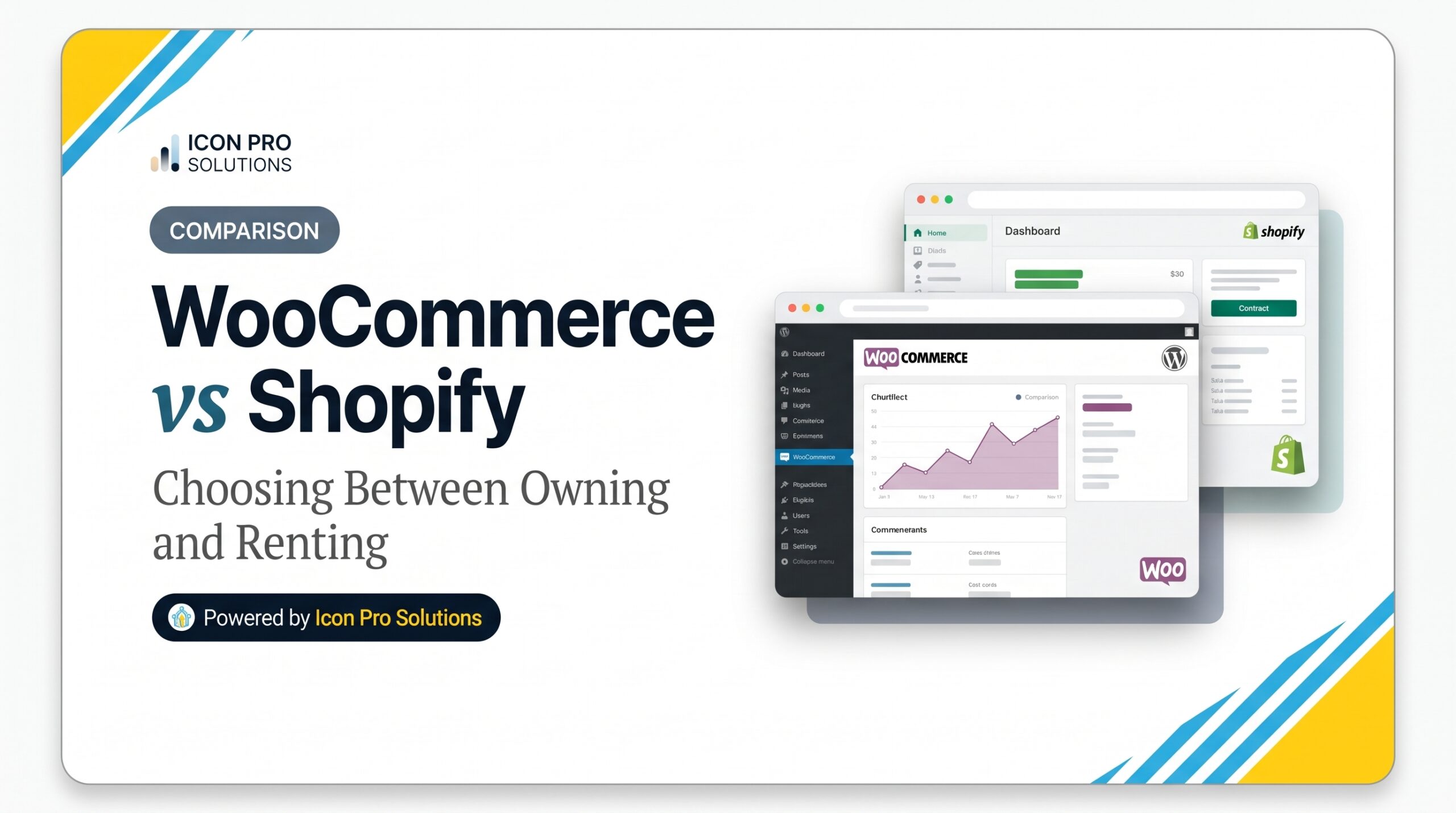
WooCommerce vs Shopify is a choice between owning and renting. WooCommerce is a free, open-source store plugin for WordPress that you host yourself. Shopify is a hosted store platform that you pay for monthly. Shopify suits sellers who want hosting and upkeep handled for them. WooCommerce suits sellers who want control, custom logic or a store inside a content-rich WordPress site.
This guide follows the money first, then the store type. We cover the cost lines on each side, the payment fees that surprise people and what moving later involves. For the wider platform question, read our guide to Shopify vs WordPress for an online store.
Key Takeaways: WooCommerce vs Shopify in Brief
-
In the WooCommerce vs Shopify pricing breakdown, the WooCommerce plugin is free (with costs paid separately for hosting, extensions, and upkeep), whereas Shopify charges a recurring monthly plan and handles hosting for you.
-
Shopify charges a third-party transaction fee of 0.6% to 2% on its three core plans when you do not use Shopify Payments, while WooCommerce imposes no native platform fees on third-party gateways.
-
WooCommerce requires self-managed hosting meeting specific server baselines: PHP 8.3 or higher, MySQL 8.0 or higher (or MariaDB 10.6), and an active HTTPS certificate.
-
In our worked WooCommerce vs Shopify cost comparison, a store generating $100,000 a year on Shopify Basic pays $3,848 annually in combined subscription and card processing fees.
-
Migrating between WooCommerce and Shopify is a complete site rebuild—customer passwords, proprietary themes, and exact URL structures do not transfer.
-
Decide your WooCommerce vs Shopify winner by who handles the daily operational maintenance of the store, not by comparing generic feature checklists.
WooCommerce vs Shopify: What Is the Difference?
WooCommerce is a plugin. The WordPress plugin directory describes it as “the open-source ecommerce platform for WordPress,” and lists “7+ million” active installations. So you add it to a WordPress site that you host.
Shopify, by contrast, is a platform. You subscribe, and Shopify runs the store software for you. You manage products, orders and pages in its admin.
| WooCommerce | Shopify | |
|---|---|---|
| What it is | An open-source plugin for WordPress | A hosted store platform |
| Hosting | You choose and pay for it | Handled by Shopify |
| Pricing shape | Free plugin plus hosting, extensions and upkeep | A monthly plan plus apps and payment fees |
| Payments | You pick a gateway and pay its rates | Shopify Payments, or a third-party gateway with an extra fee |
| Design | WordPress themes and page builders | Shopify themes |
| Extending | Plugins and custom code | Apps and the Shopify theme code |
| Updates and security | You or your host | Shopify for the platform |
| Good fit | Control, custom logic, content-led stores | Simple setup and fast launch |
How Much Do WooCommerce and Shopify Cost in Year One?
Start with Shopify, because its prices are public. Shopify’s pricing page lists these figures in US dollars, as of 23 October 2026:
| Plan | Billed yearly | Billed monthly | Third-party transaction fee | Standard online card rate |
|---|---|---|---|---|
| Basic | $29 a month | $39 a month | 2% | 2.9% + 30¢ |
| Grow | $79 a month | $105 a month | 1% | 2.7% + 30¢ |
| Advanced | $299 a month | $399 a month | 0.6% | 2.5% + 30¢ |
Shopify’s help center explains the fee: “Third-party transaction fees apply to all transactions processed through third-party and alternate payment gateways.” The fee is waived when you use Shopify Payments as your primary provider. Its pricing overview also notes that “annual billing charges the full year upfront.”
Here is a worked example. It is an illustration, not a quote. First, assume a store sells $100,000 a year in 2,000 orders of $50 each. Next, assume it is on Shopify Basic, billed yearly, and uses Shopify Payments with standard cards.
- Plan: 12 months x $29 = $348.
- Card fees: 2.9% of $100,000 = $2,900, plus 2,000 orders x $0.30 = $600.
- Total: $348 + $2,900 + $600 = $3,848, before apps and a domain.
If the same store used a third-party gateway instead, Shopify would add 2% of $100,000, which is $2,000. In addition, the gateway would charge its own rates on top.
WooCommerce has no plan fee, so its cost lines are different:
- The plugin: free.
- Hosting: paid to your host, and it must meet the requirements below.
- Payment gateway: you pay the rates your chosen provider sets. Ask for its rate on the same $100,000.
- Extensions and themes: free or paid, depending on what you need.
- Upkeep: your time, or a developer’s, for updates, backups and fixes.
To compare fairly, replace each Shopify line with a quote for the matching WooCommerce line. Do not compare a plan fee with a free plugin.
What Does WooCommerce Need From Your Hosting?
When comparing WooCommerce vs Shopify, hosting is one of the biggest practical differences: Shopify includes managed infrastructure automatically, whereas WooCommerce runs on hosting you choose and manage yourself. Before committing, check your host against WooCommerce’s server requirements:
-
PHP version 8.3 or greater.
-
MySQL version 8.0 or greater, or MariaDB version 10.6 or greater.
-
HTTPS support (SSL certificate).
-
A WordPress memory limit of 256 MB or greater.
WooCommerce notes that “any server that supports PHP and MySQL works,” with Apache or Nginx recommended. In the WooCommerce vs Shopify evaluation, remember that WooCommerce requires this extra step of technical vetting—send this exact spec list to your hosting provider before you buy. A host that cannot meet these requirements is simply not a fit.
Which Store Type Fits WooCommerce and Which Fits Shopify?
Match the platform to your situation, not to a feature count.
| Your situation | Likely fit | Why |
|---|---|---|
| First online store, simple catalog, small team | Shopify | Hosting and platform upkeep are handled for you |
| Store inside a large WordPress site with many articles | WooCommerce | Shop and content live in one system |
| Unusual pricing, checkout or product rules | WooCommerce | Code-level access allows custom logic |
| You want a predictable monthly platform fee | Shopify | The plan fee is fixed and public |
| You want to choose your own host and own your data | WooCommerce | You control the server and the database |
| Nobody on your team can own updates and backups | Shopify | The platform handles them |
These are rules of thumb. A store can sit between two rows, so use the checklist at the end to settle it.
How Hard Is It to Switch Between WooCommerce and Shopify?
When evaluating WooCommerce vs Shopify, remember that switching platforms is a rebuild, not a toggle. WooCommerce’s guide to migrating from Shopify lists what does not carry over:
-
“Passwords are not migrated,” so customers must reset them.
-
“A Shopify theme cannot be installed as a WordPress theme.”
-
“Shopify and WooCommerce use different URL structures,” which can “break links, cause 404 errors, and harm your search engine rankings.”
The fix for the last point is a 301 redirect from each old product and category address to its new one. The same lesson applies in either direction of the WooCommerce vs Shopify switch. Therefore, plan the redirects before you move, and test them before you point the domain to your new store.
What Should You Ask Before You Choose?
Answer these six questions in writing:
-
Who will add products, run sales, and fix problems after launch?
-
Which payment provider do you need, and what does it charge on your yearly sales under WooCommerce vs Shopify?
-
How much content, beyond product pages, will you publish?
-
Which features are not built in, and what does each app or extension cost per year?
-
Who hosts, updates, and backs up the store if you choose WooCommerce over Shopify?
-
Which web addresses must redirect if you are migrating between WooCommerce and Shopify?
Choosing a Store Platform? Ask Us First.
If you want advice before you commit, our Shopify and e-commerce service includes help choosing the platform that fits your business. We set up the store design, shipping and tax, and only the apps you need, all under a written scope.
Frequently Asked Questions: WooCommerce vs Shopify
Does Shopify charge extra when I use PayPal?
Shopify’s help center notes that PayPal transactions are exempt from third-party transaction fees as long as Shopify Payments is active as your primary provider. In contrast, on WooCommerce, you never pay a platform fee on PayPal orders. In both cases, PayPal still charges its own processing rates, so calculate your true payout across both setups.
In the WooCommerce vs Shopify debate, are both platforms popular enough to trust?
Yes. Both are established industry leaders. WooCommerce powers more than 7 million active WordPress stores, while W3Techs reports Shopify powering 5.3% of all websites as of October 2026. However, popularity is not proof of fit—weigh each against your operational resources before deciding.
In WooCommerce vs Shopify, does either platform rank better on Google?
No. When comparing WooCommerce vs Shopify for SEO, neither platform holds an automatic ranking advantage. Organic search performance depends on page speed, site architecture, content quality, and proper schema. Whichever platform you pick, configure clean page titles and logical URL structures from day one.
Do I need a developer to run WooCommerce vs Shopify?
Not for a basic launch. However, a major differentiator in WooCommerce vs Shopify is post-launch upkeep. WooCommerce requires someone to actively manage hosting, core updates, plugin compatibility, backups, and security. You will also need a developer if your business model demands bespoke checkout logic, custom pricing rules, or external ERP integrations.
Sources
- Shopify, Pricing, read on 23 October 2026.
- Shopify Help Center, Third-party payment providers.
- Shopify Help Center, Pricing overview.
- WordPress.org, WooCommerce plugin page.
- WooCommerce, Server requirements.
- WooCommerce, How to migrate from Shopify.
- W3Techs, Usage statistics of content management systems, data as of 22 October 2026.